Set up MoMo payment checks for WooCommerce in Rwanda
WeConfirm Pay connects your WooCommerce store to the Android phone that receives its Mobile Money SMS. Customers pay your shop directly, and that phone checks the submitted payment details.
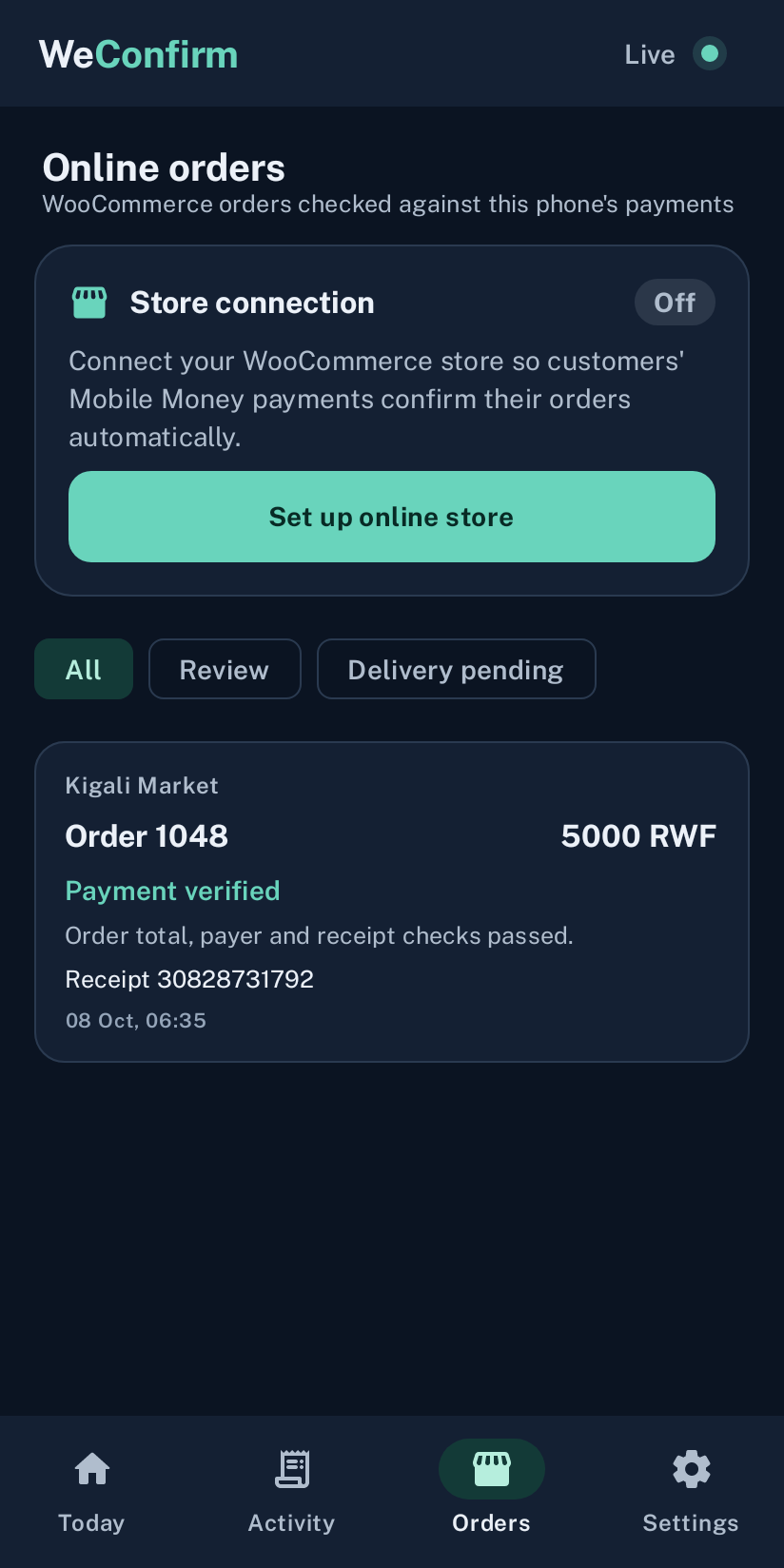
Understand the payment flow first
WeConfirm Pay is a WooCommerce payment method for checking received Mobile Money payments. It is not a payment provider and does not collect or hold customer funds. Your store shows the receiving destination you configure. The customer sends money there, then submits the payment details requested at checkout.
The relay sends the check to the phone paired with that store. The phone compares the submitted details with its recorded payment SMS, and the store receives the result. This requires both the online store and its assigned phone to reach the service.
Prepare the receiving phone
Use an Android phone that actually receives MTN MoMo or Airtel Money payment SMS for the store’s destination. Install the official WeConfirm app, sign in to the shop account and enable the permissions described in the installation guide. Configure the correct receiving SIM or wallet in the phone’s store settings.
Keep the phone charged, connected and allowed to work in the background. Test a real payment before opening the method to customers. A store paired to a phone using another receiving destination will not find the expected receipts.
Install the plugin and pair the store
- Download the current official WooCommerce plugin.
- Install and activate it in your WordPress administration.
- Open the WeConfirm Pay payment settings in WooCommerce.
- Enter the store connection details supplied through your account and support.
- Confirm the receiving destination and pair the store with the correct shop phone.
- Complete a test order and inspect its payment result.
Connection keys are private credentials. Enter them in the plugin settings and never put them in a product description, customer message or support comment. Store identifiers and phone pairing determine where checks are delivered.
Configure an accurate checkout destination
The receiving MoMo number or merchant code must be one your shop controls and checks. Confirm the registered recipient name where relevant, the displayed amount and the instructions customers see. A subscription payment destination for WeConfirm is separate from the destination your customers use to pay your shop.
Before accepting orders, open checkout as a customer and check the destination on a small screen. Confirm that the currency and amount fit the actual order. Do not use an old screenshot of checkout as your current payment instructions.
Handle pending and review results
A pending check is waiting for the assigned phone. A review or unmatched result needs investigation rather than an automatic handover. Inspect the order reference, receiving SMS, amount and store wallet. If the phone was offline, restore its connection and follow the order’s available retry or review controls.
Do not ask customers to repeat a payment solely because the phone has not answered. Establish whether the first payment arrived. Keep your WordPress scheduling and the shop phone’s background operation healthy so the verification result reaches the order.
Keep receipt reuse and fulfilment separate
A receipt already used to confirm another order cannot confirm a second order. Check the original order if there is a conflict. Your team still controls delivery and fulfilment, and should review unclear or manually approved cases according to the shop’s own procedures.
Confirm access and a support route
A new WeConfirm account receives a 14 day trial. Your account shows subscription status and renewal instructions. Paid access begins after the subscription payment is confirmed. Keep an order reference and a description of the issue ready when contacting support; do not share store keys or MoMo PINs.