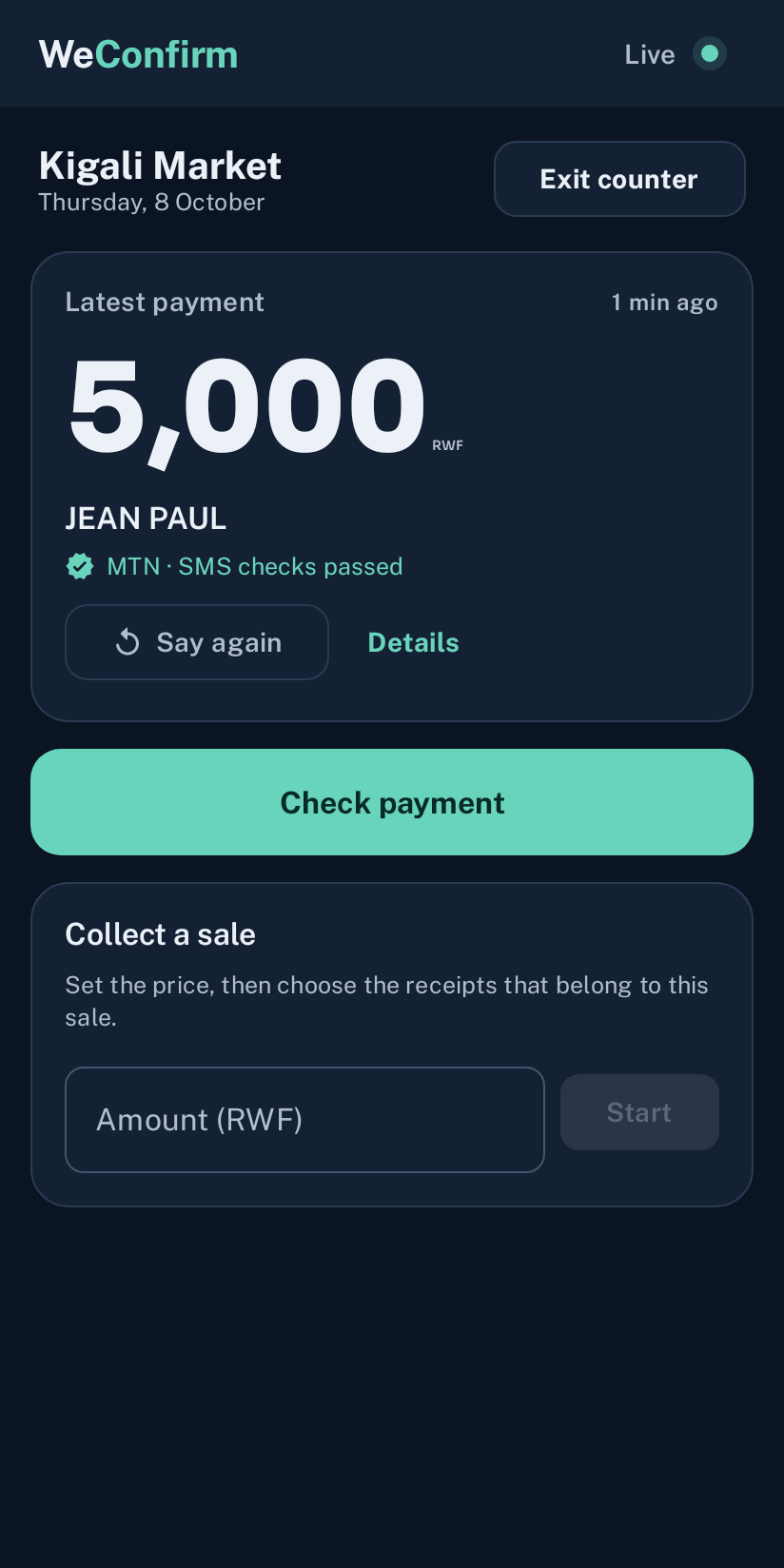
Hear it.
Check it.
Keep selling.
Hear incoming Mobile Money payments while you serve. Check the receipt and keep the day’s records on your Android phone.
MTN MoMo & Airtel Money. English & Kinyarwanda.
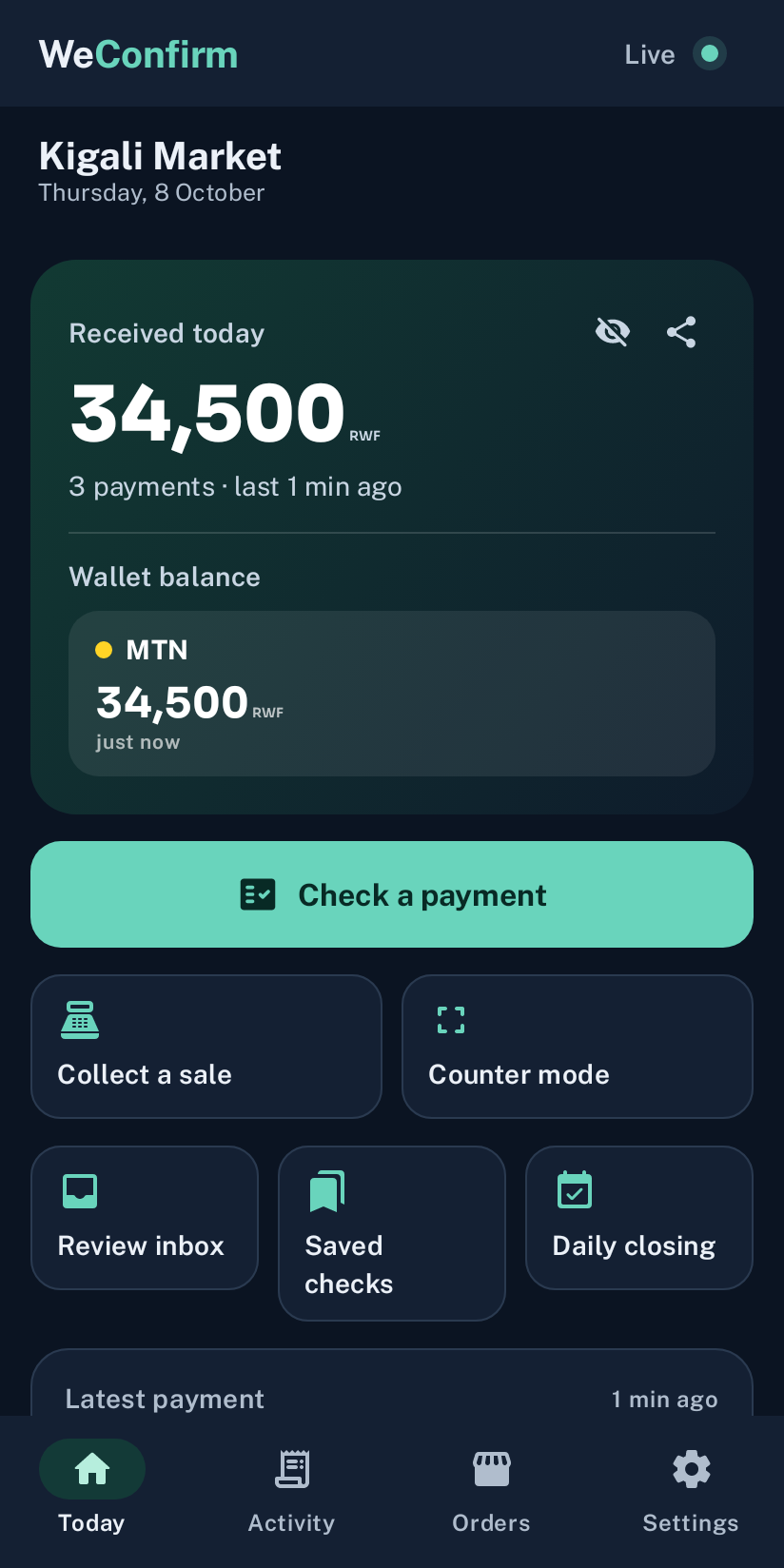
Use the SIM that receives your shop payments.
The picture is only
the starting point.
Paste a payment message, choose a picture, or take a photo. WeConfirm compares the details with payments recorded on your phone.
The check compares recorded details. It does not authenticate a picture or contact the operator.
Explore receipt checks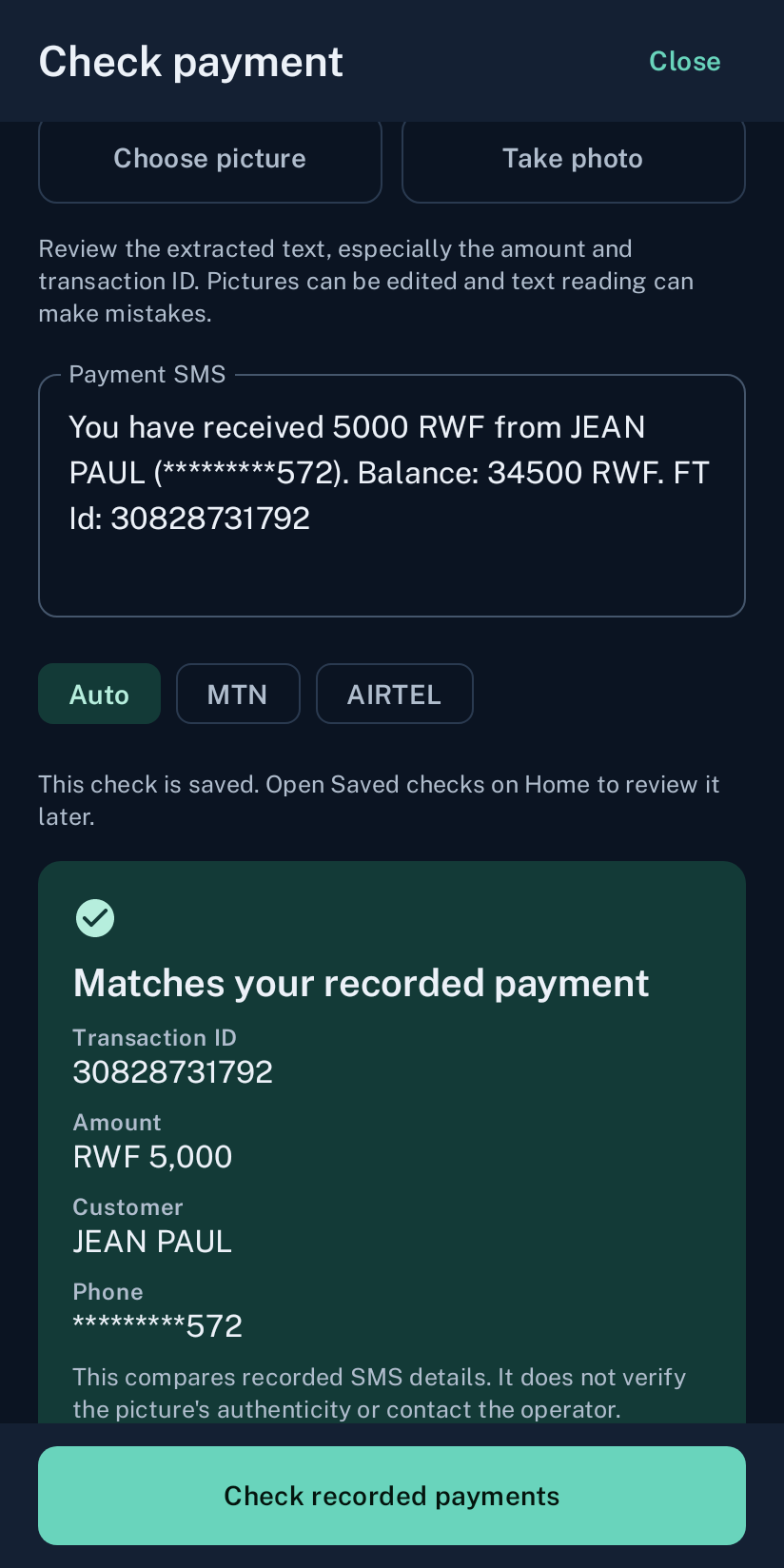
The same amount, sender and transaction. Review the result before you hand over goods.
A day’s work.
Ready to share.
Find a payment in Activity. Share a PDF of the day’s totals, wallet balances and recorded receipts when it is time to close.
Choose today, yesterday, the last seven days or your own dates. Create the summary on the phone and share it when you choose.
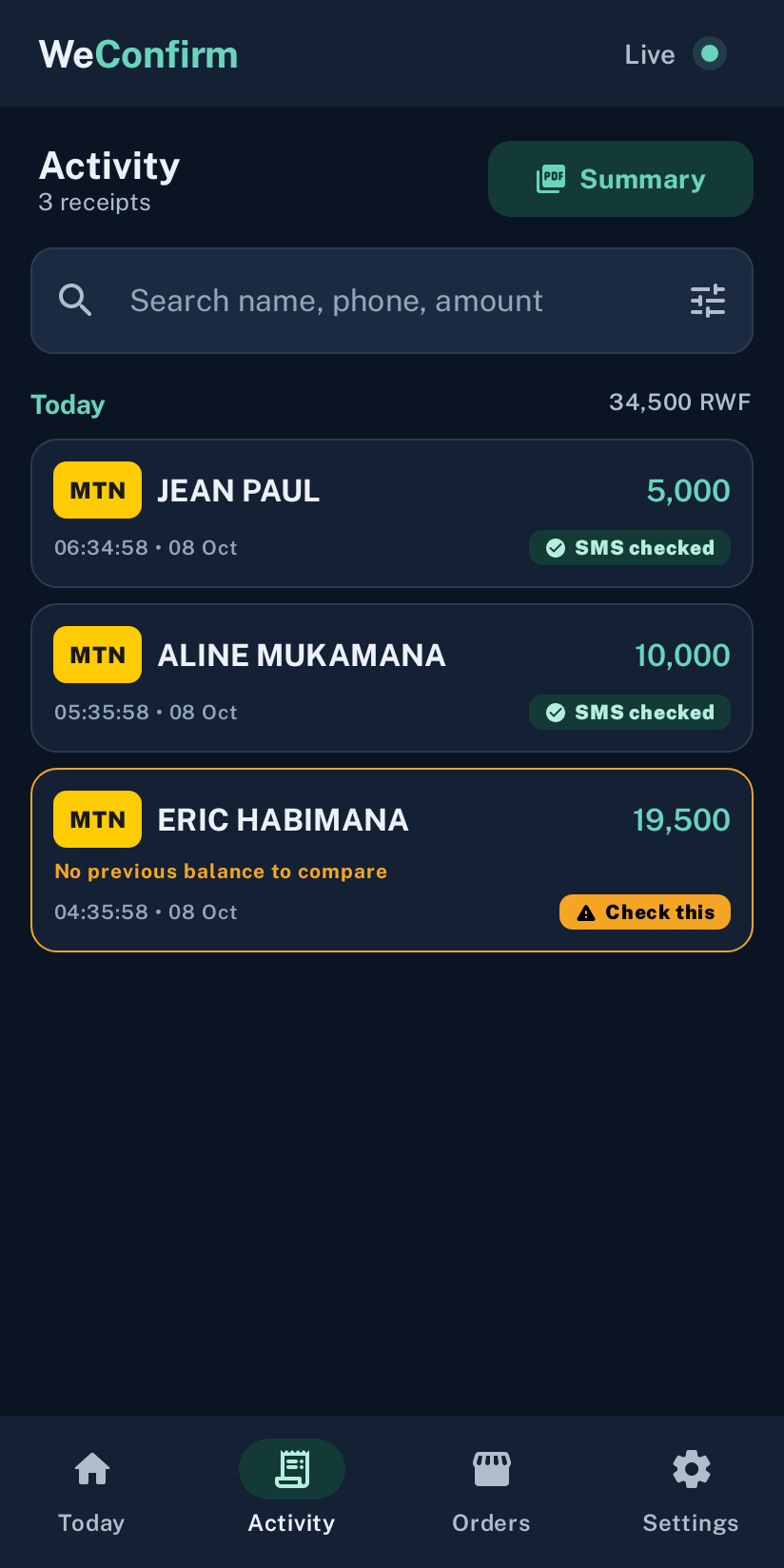
Your payment history on the phone.
Swipe across the preview to read the details.
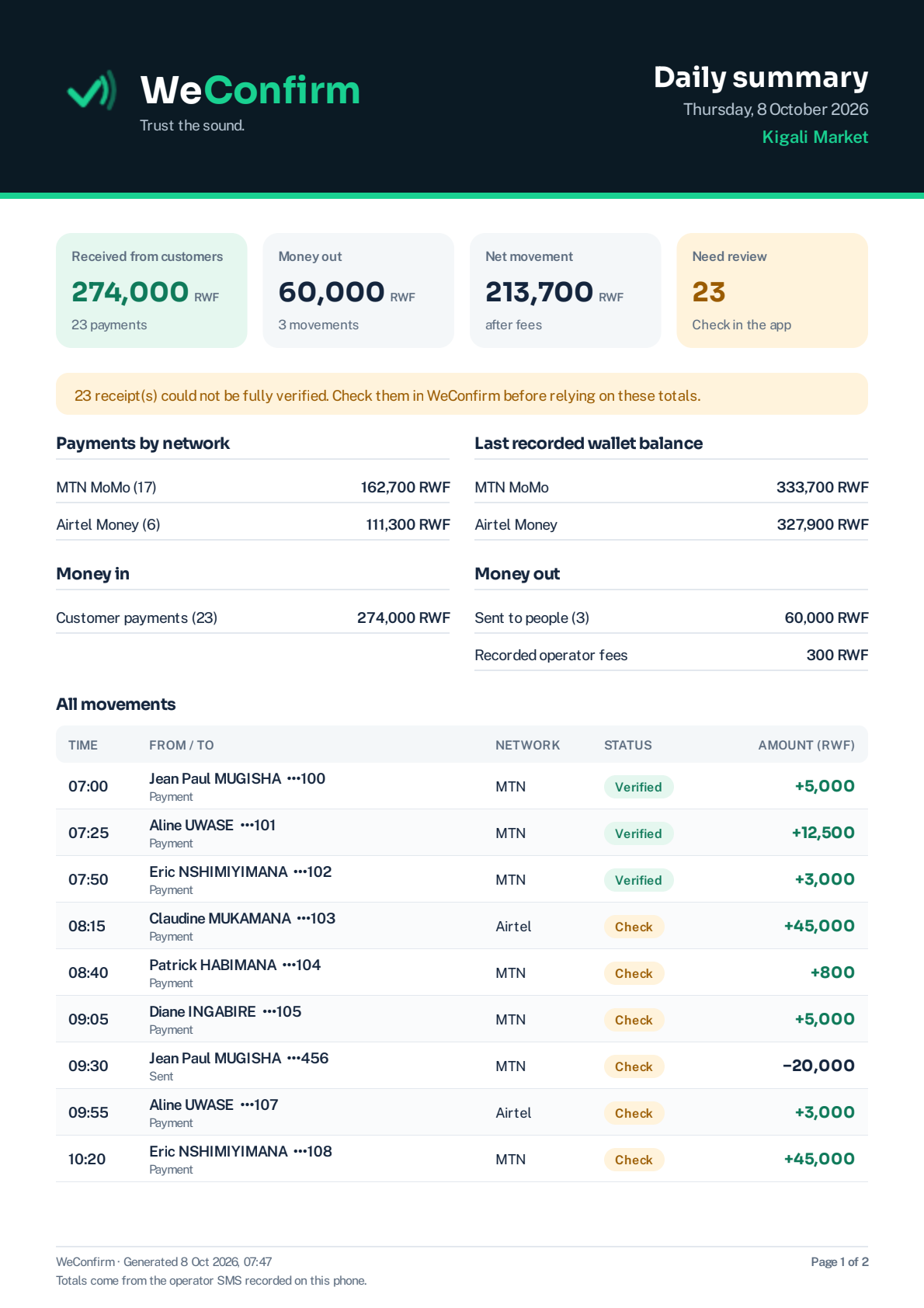
Actual app export with sample receipts. Select the picture to see the full page.
Open the full PDFThe receipt behind
the paid order.
Connect WeConfirm Pay to WooCommerce. Your phone checks the submitted payment against recorded SMS and sends the result back to your store.
Explore WeConfirm Pay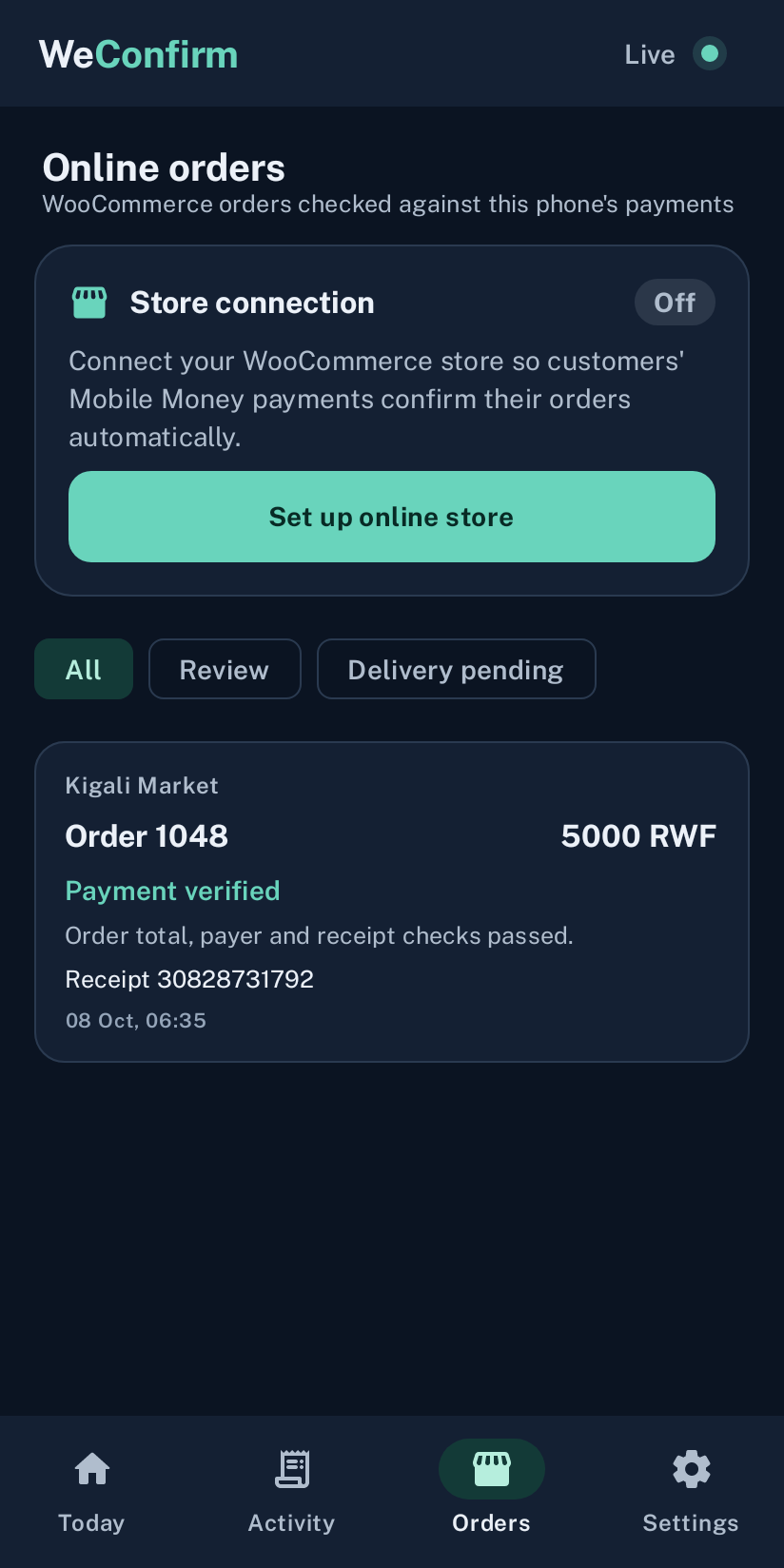
Clear matches. Clear reviews.
See the result alongside the order amount and receipt. Unclear matches stay available for review.
A saved result with the store connection currently off. Sample order data.
Before you
get started.
Need a hand? Talk to us.
Do I need a new phone?
No. Use an Android phone running Android 8.0 or newer with the SIM that receives your shop’s MTN MoMo or Airtel Money confirmations. A spare phone works well.
Does it need internet?
The soundbox can announce payment SMS without mobile data or WiFi. It needs a mobile signal to receive new SMS. The online store connection needs internet.
Is the soundbox free?
Yes. WeConfirm Pay has a separate subscription for connecting a WooCommerce store. See the options.