Every payment.
Heard at
your counter.
Keep the shop phone within earshot. WeConfirm announces incoming payment SMS and shows the recorded amount and sender.
English & Kinyarwanda. MTN MoMo & Airtel Money.
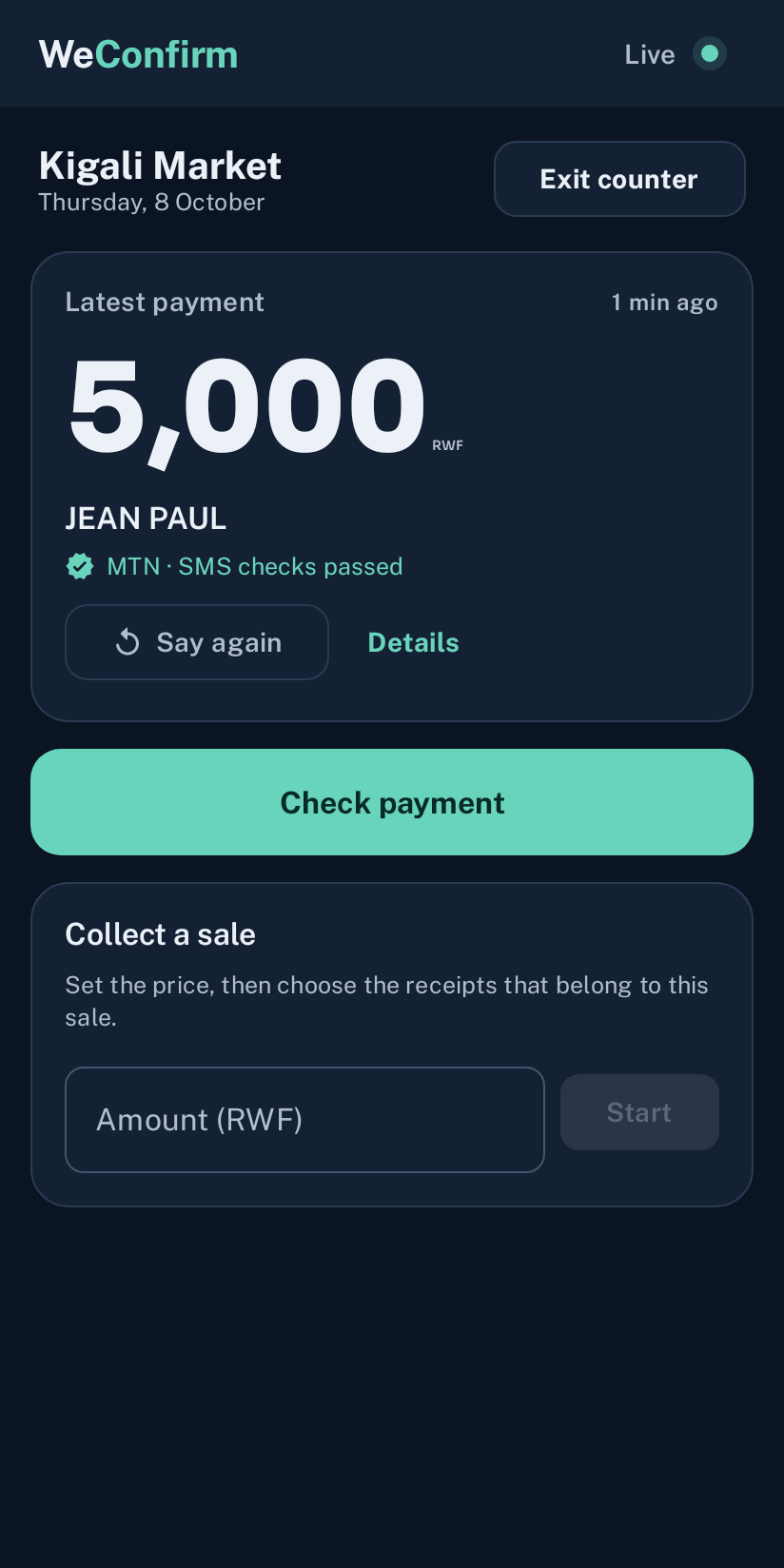
Counter mode with a sample payment.
Compare the claim
with your records.
A customer can show a picture or share payment text. Check those details against recorded payments before you make a decision.
- Paste an SMS, choose a picture, or take a photo.
- Check the amount, sender, and recorded receipt.
- Read warnings about receipts already used for a sale.
The check compares recorded details. It does not authenticate a picture or contact the operator.
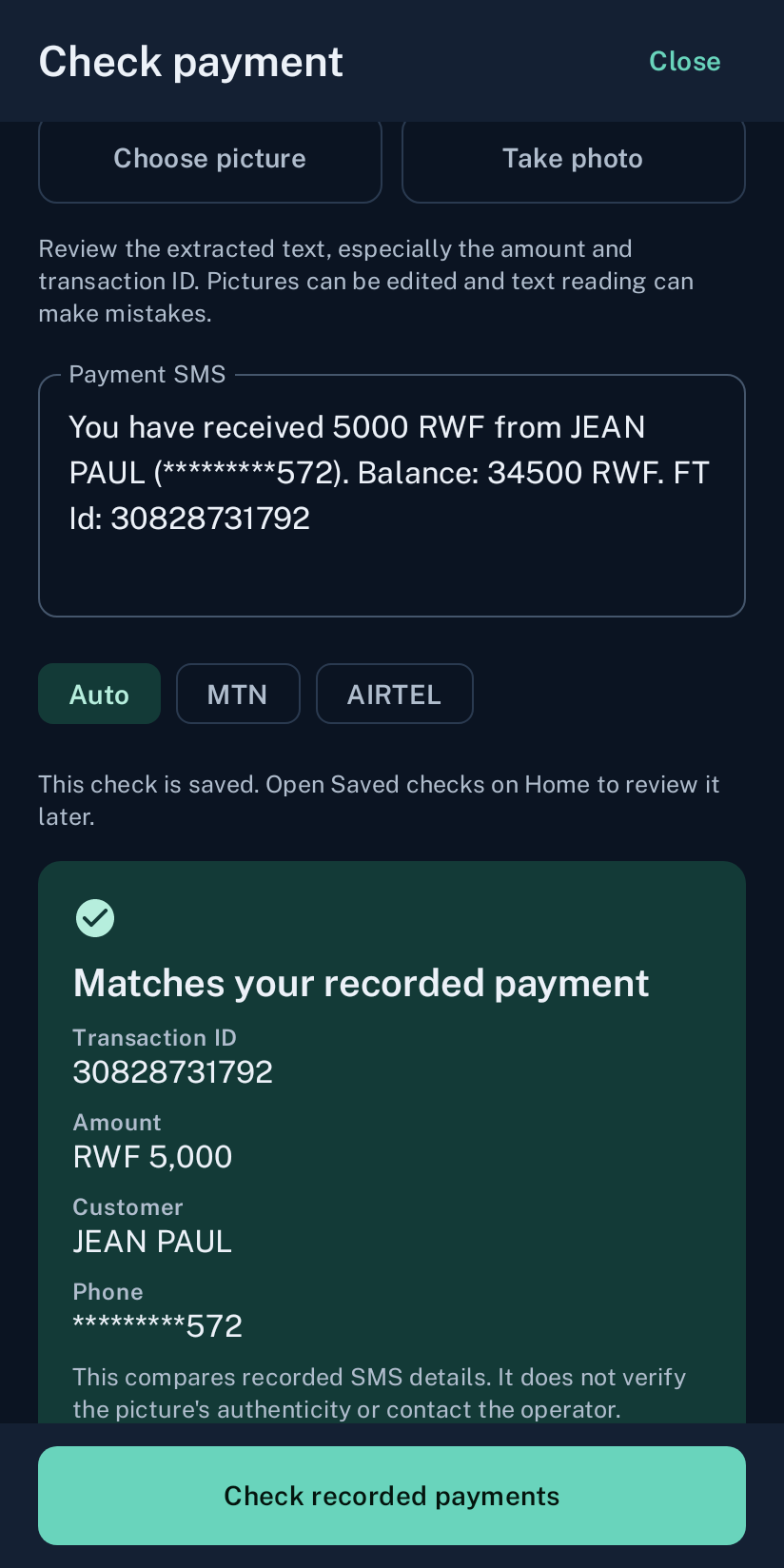
Compare the submitted details with a recorded receipt.
A payment history
you can actually use.
Search recorded payments, open receipt details, and review totals. Export a PDF when you need a copy for closing time.
See how records are stored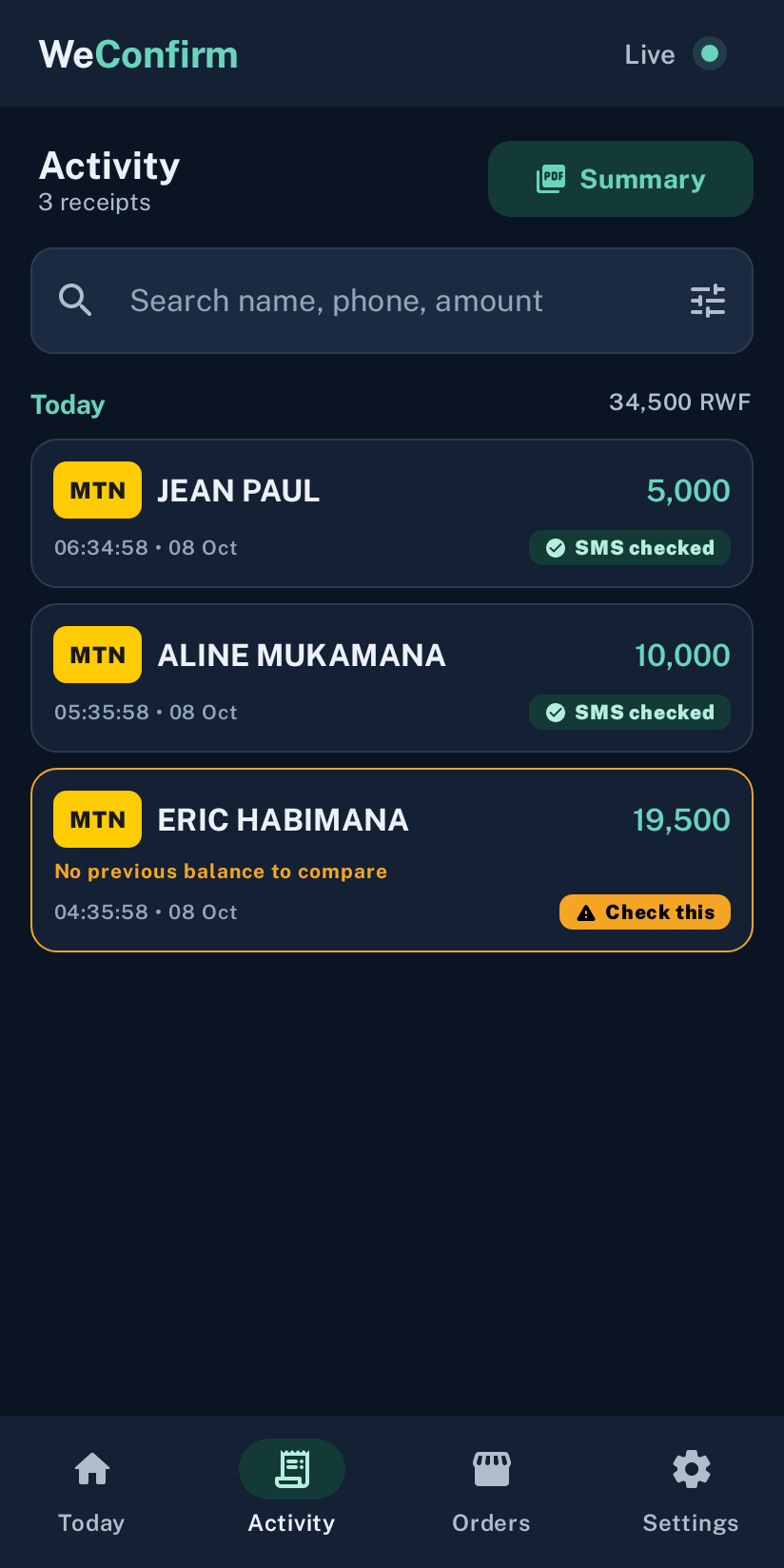
Find a receipt and review the day’s total.
Set it for
your shop.
Choose how the soundbox gets your attention. Voice, chime, repeat, vibration, and volume controls are together in Sound & voice.
Try it before the first sale.
Use Test sound and voice, set a comfortable volume, and keep the phone charged. Language settings offer English and Kinyarwanda.
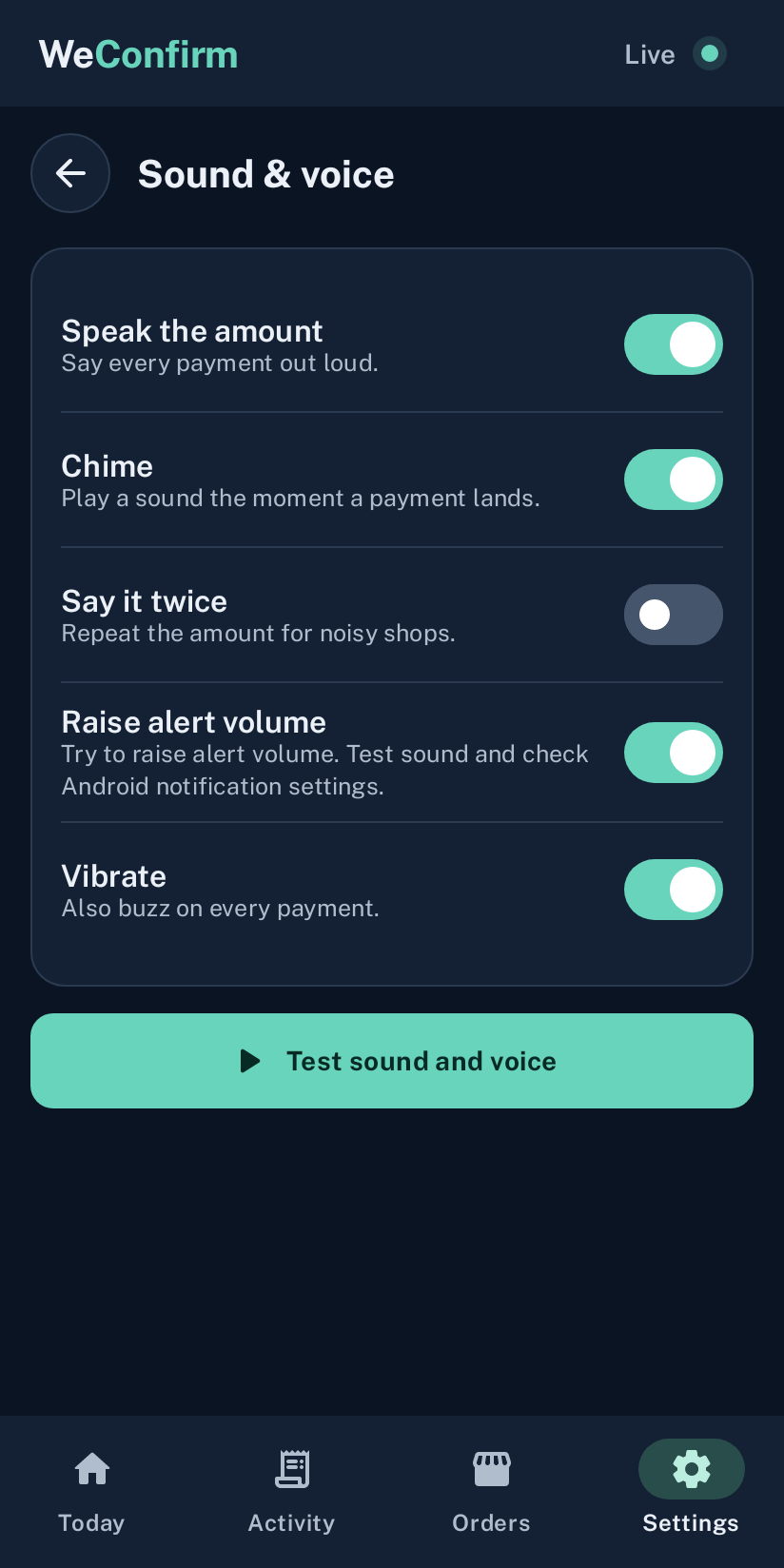
Set the volume, then play a test.