Put your shop
phone to work.
Use the Android phone that receives your shop payment SMS. Install the free soundbox, set the voice, and test the sound.
The app file is not available on this website yet. Contact us for the current release.
- App version
- 1.7
- Android
- 8.0 or newer
- Networks
- MTN & Airtel
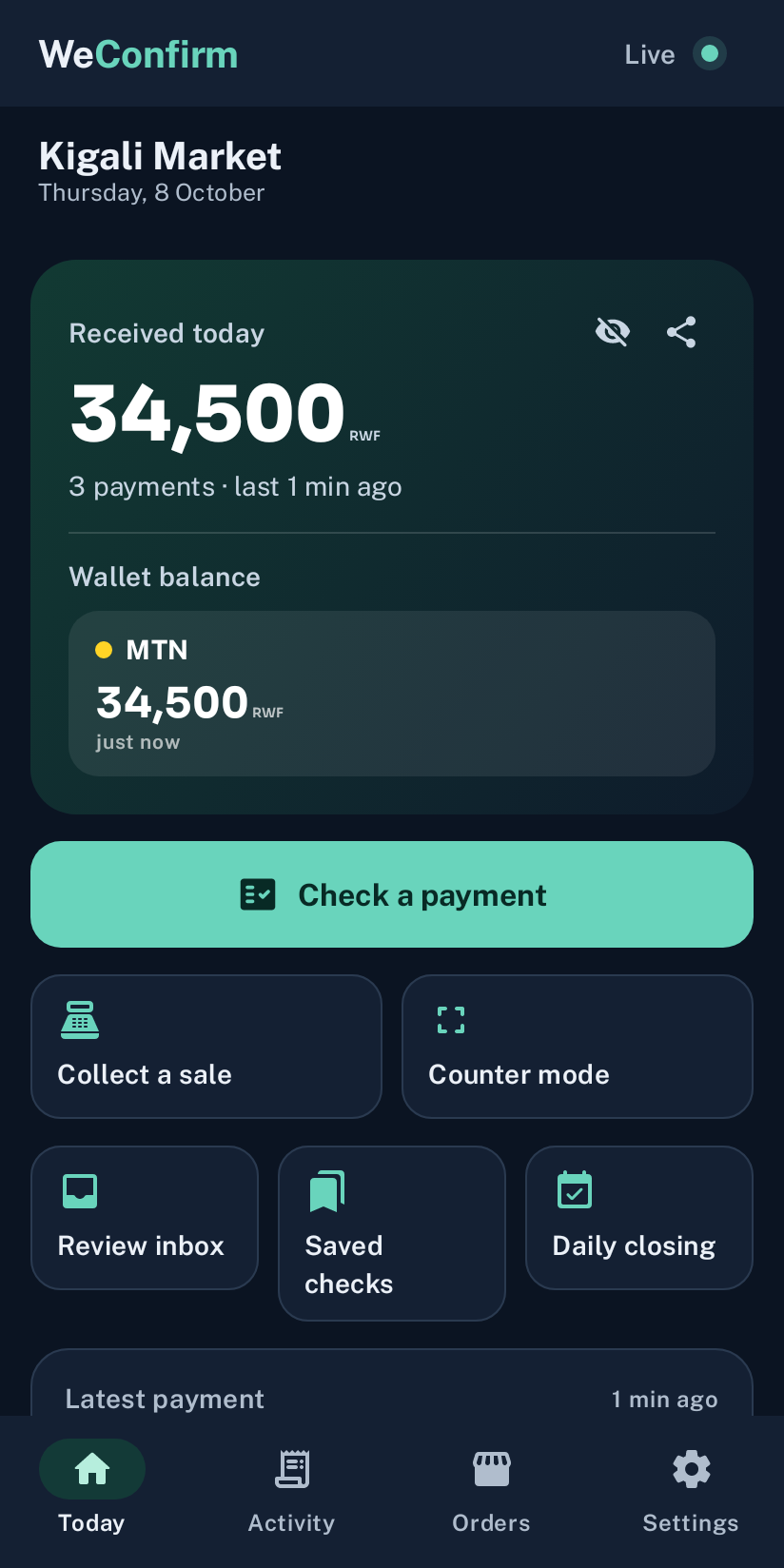
The soundbox with sample shop data.
Set up the phone
for the counter.
Keep the phone nearby and use the SIM that receives your shop wallet confirmations.
Get the current app file.
Request the Android APK directly from WeConfirm and save it on your shop phone.
Install and open WeConfirm.
Android may ask you to allow installation for your browser or file app. Turn that permission off after installing. If a warning is unclear, ask us for help.
Allow payment SMS access.
Grant SMS permission so the app can read incoming operator confirmations.
Check the background settings.
Follow the app’s phone settings guide so it keeps listening while you serve.
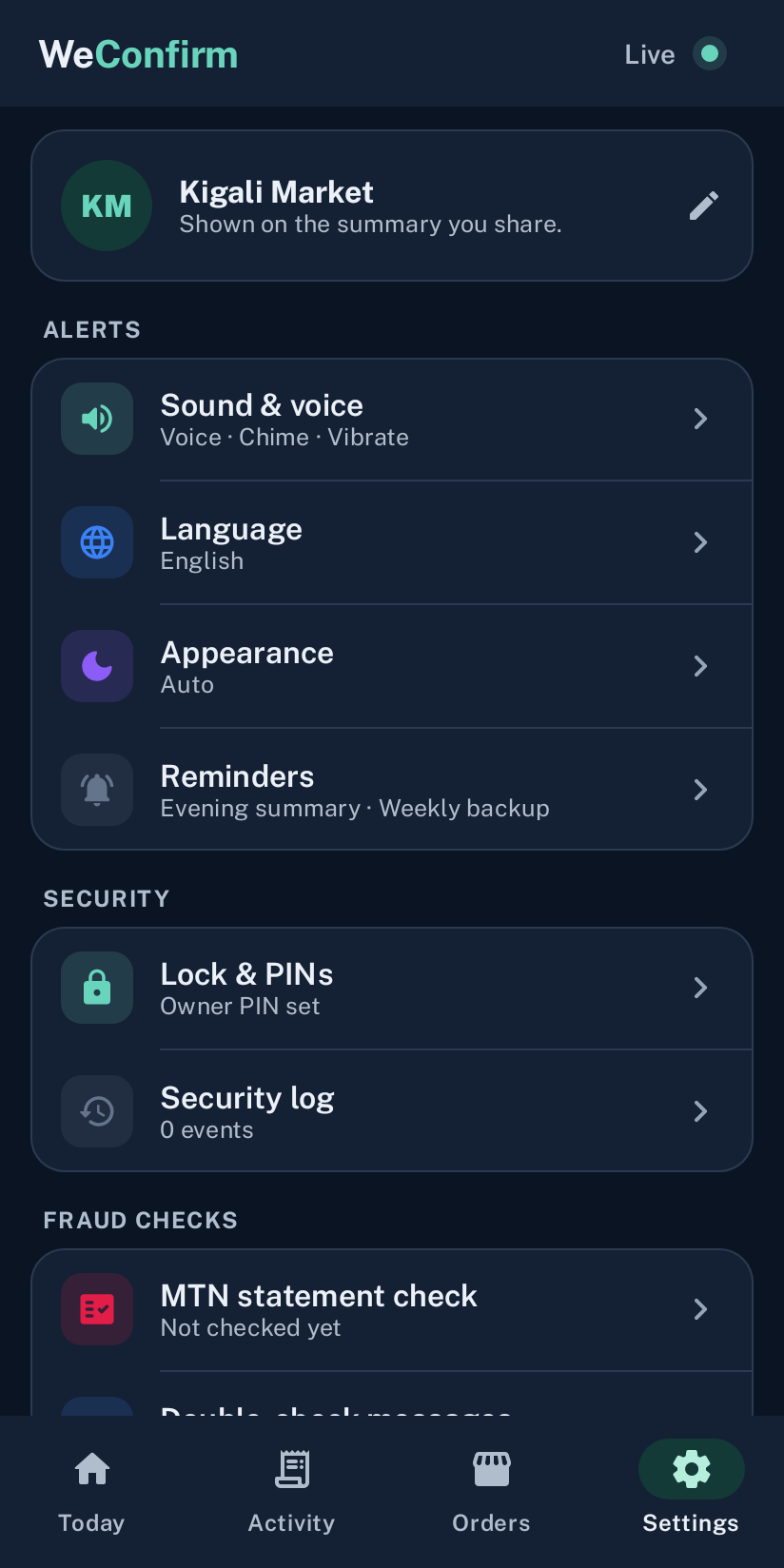
Choose the sound, language and access for your shop.
Test the sound.
Keep it charged.
Open Sound & voice and use Test sound and voice. Set a comfortable volume, choose your language, and leave the phone within earshot.
Get help with setupTell us your phone model, the step you’re on, and any error message.
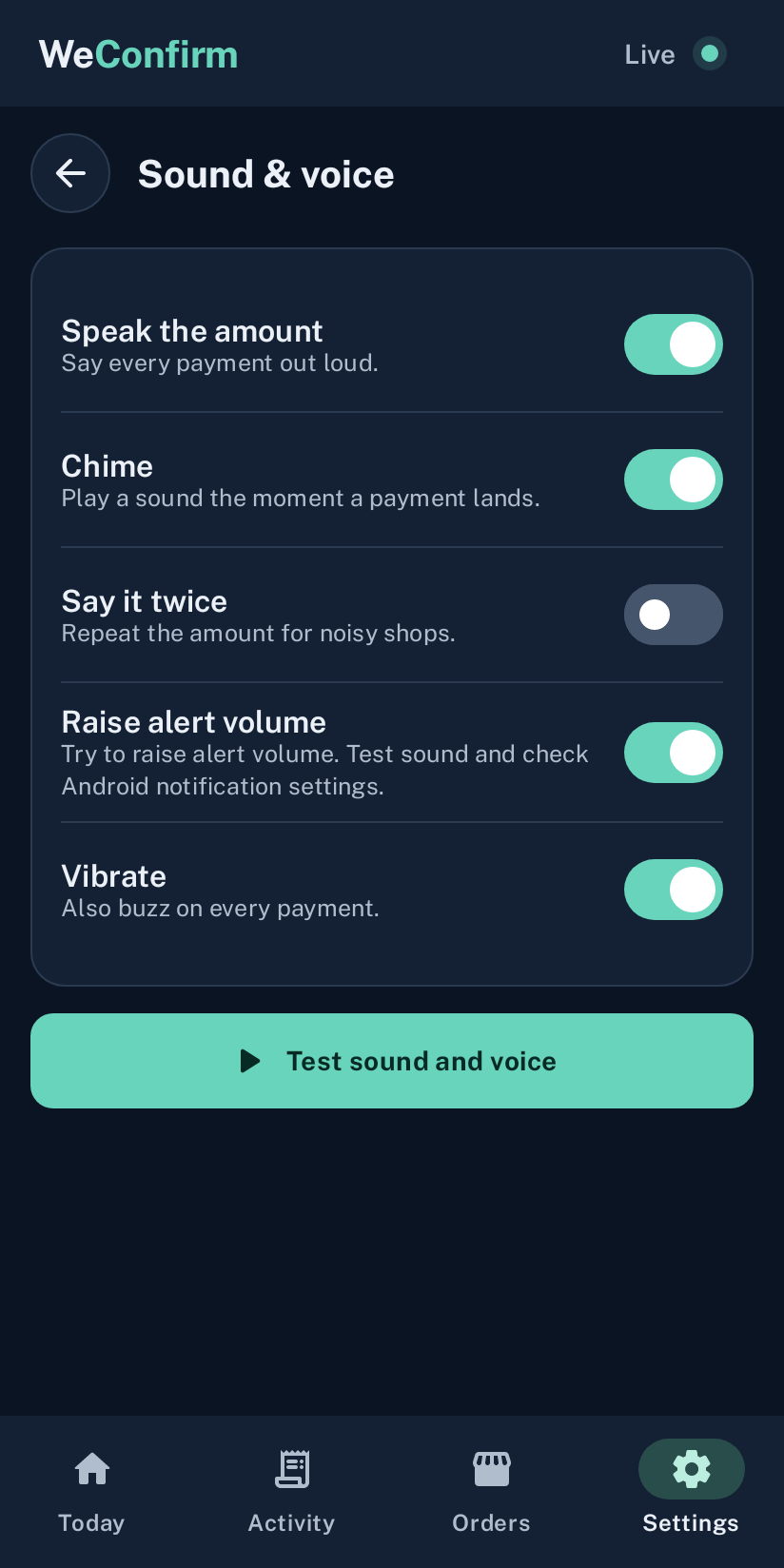
Set the volume, then play a test.
A few practical
details.
Need a hand? Talk to us.
Can I use my everyday phone?
Yes, if it has your shop SIM and runs Android 8.0 or newer. A separate phone lets you leave the soundbox in the shop.
Will it work without WiFi?
The soundbox does not need WiFi or mobile data. It needs a signal to receive confirmations. The WooCommerce connection needs internet.
Why install an APK?
WeConfirm is distributed as an Android app file. Request the current release directly from us.